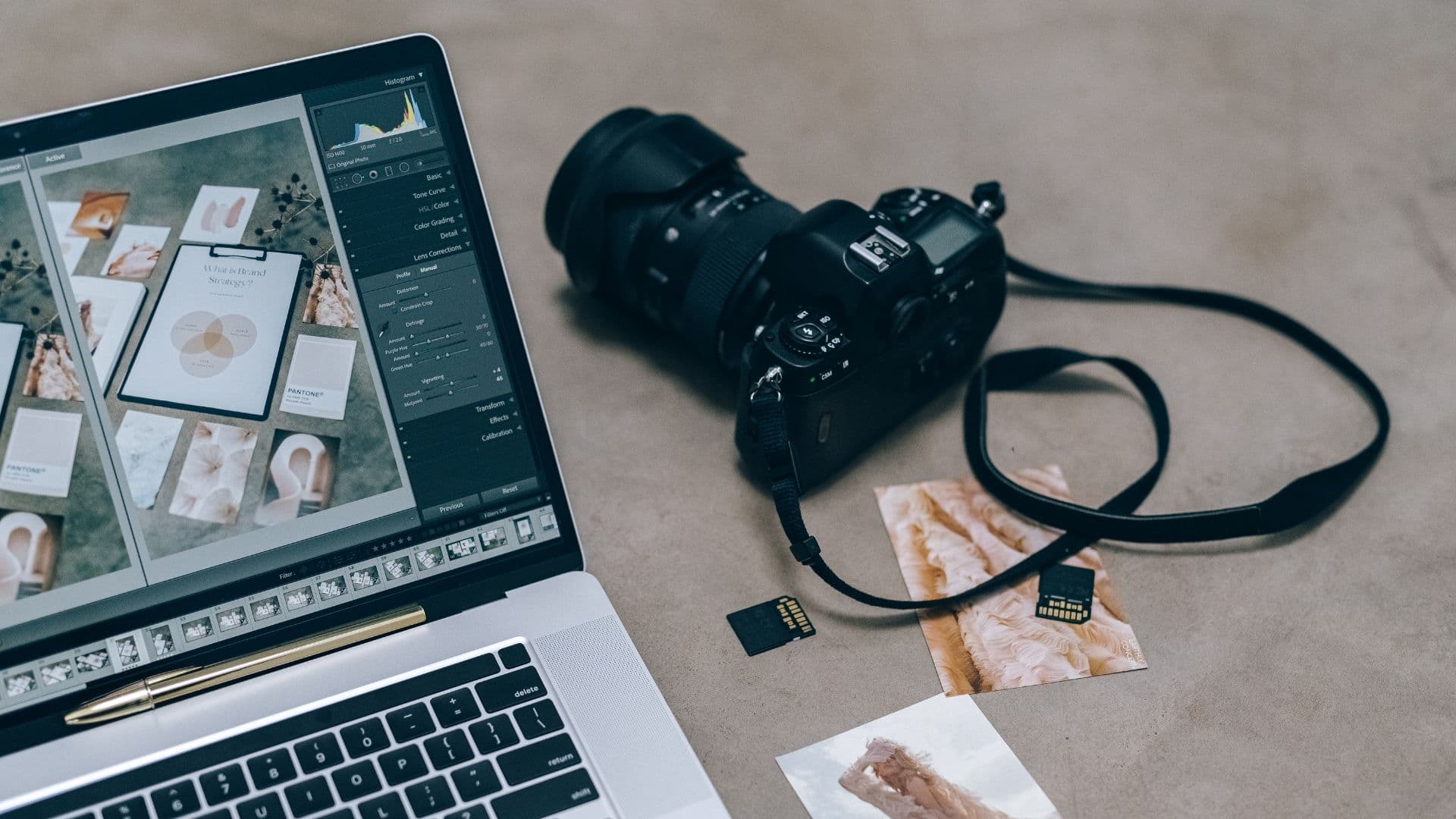
The best images for therapist websites are real, natural photos of you and your therapy space, supported by calm, carefully chosen stock where needed. Avoid images of people in distress, compress every image (WebP, ideally under 200KB), and give each meaningful image short, descriptive alt text.
What images should a therapist use on their website?
In rough order of value, these are the images that earn their place on a therapy website:
- —A warm, natural photo of you. This matters more than anything else on the page. People are choosing a person.
- —Your therapy room or the space where you work online, so a nervous client knows what to expect when they arrive.
- —The outside of your building or the entrance, which genuinely helps anxious first-time visitors find you.
- —Calm, relevant supporting images: textures, natural light, plants, landscapes local to you.
- —Simple illustrations or diagrams where they explain something, such as how a first session works.
Fewer, better images beat a gallery. A homepage with one strong photo of you and plenty of space usually feels calmer and more trustworthy than one with eight stock images.
Should therapists use their own photos or stock images?
Use your own photos wherever a person is shown, and stock only for atmosphere. A stock photo of a smiling 'therapist' who isn't you is quietly misleading, and visitors notice when the person in the hero image isn't the person on the About page.
| Image | Own photo | Stock | Notes |
|---|---|---|---|
| You (homepage, About) | Always | Never | A professional shoot is worth it; good natural-light phone photos are a fair start |
| Therapy room | Strongly preferred | Avoid | Helps people picture arriving |
| Building and entrance | Yes | No | Practical and reassuring |
| Background textures, nature | Good if you have them | Fine | Choose calm, uncluttered images |
| People representing clients | Never use real clients | Use with great care | Prefer images without visible faces or distress |
| Service or blog headers | Optional | Fine | Keep a consistent style across all of them |
Never use photos of real clients, even with consent. The confidentiality and power-dynamic issues aren't worth it, and your professional body's guidance points the same way.
If you're planning a shoot, our headshots guide covers what to wear, locations and how to feel less awkward in front of a camera. Read: Therapist headshots →
Where can therapists find free stock images?
Several reputable sites offer free photos you can use commercially. At the time of writing (October 2026):
- —Unsplash: high-quality, natural-looking photography. Free for commercial use without attribution under the Unsplash licence, though crediting the photographer is appreciated.
- —Pexels: a large library of photos and video, also free for commercial use without attribution under the Pexels licence.
- —Pixabay: photos, illustrations and vectors under its own free content licence.
- —Canva: its library includes many free images and Pro images, with licensing terms set by Canva; check whether an image is free or Pro before using it.
Always check the current licence on the site itself. A few cautions apply to all free libraries: images of identifiable people can't be used in ways that suggest they endorse you or have a particular condition, and you shouldn't use trademarks or recognisable buildings in a way that implies association. When in doubt, choose images without identifiable faces.
Search terms that find calmer images
Instead of 'therapy' or 'anxiety', which return clichés, try: 'morning light window', 'linen texture', 'woodland path', 'two mugs of tea', 'armchair natural light', 'calm sea', 'houseplant', 'reading nook', 'stone wall moss', 'empty bench park'.
What images should therapists avoid?
Some stock imagery appears on therapy websites so often it has become a cliché. Some of it is actively unhelpful:
- —People in visible distress: head in hands, crying, curled up on the floor, staring out of a rain-streaked window.
- —Therapy-session clichés: a nodding therapist with a clipboard opposite a tearful client on a couch.
- —Stone stacks, single dandelions and lotus flowers, which have become visual shorthand for 'generic wellness'.
- —Brains, jigsaw puzzles with missing pieces, broken objects or anything suggesting the person is damaged.
- —Cages, chains, bars, storms and darkness as metaphors for mental health difficulties.
- —Images that could be triggering for your client group: hospitals, alcohol, food close-ups, weighing scales, uniforms, specific weapons or vehicles.
- —Heavily retouched, overly glossy models who look nothing like your actual clients.
What is trauma-informed imagery on a therapy website?
Trauma-informed imagery prioritises safety, choice and calm. In practice:
- —Show the destination, not the struggle. Images of calm, connection, nature and ordinary moments rather than suffering.
- —Avoid surprise. No autoplaying video, no sudden animation, no images that shift as people scroll.
- —Represent your clients without stereotyping them. Diverse ages, bodies, ethnicities and genders, without making anyone the face of a diagnosis.
- —Think about your specific client group. A perinatal practice should think carefully about baby images for clients experiencing loss; an eating disorder service about food and bodies.
- —Use content notes before any blog post that includes potentially distressing imagery or topics.
We ask one question of every image on a therapy site: would this feel okay to someone on their worst day? If the honest answer is 'probably not', it goes.
Adam Watters, Founder, Psyche Creative
Imagery is one part of a wider trauma-informed approach to web design. Read: Trauma-informed website design →
How do you write alt text for therapist website images?
Alt text is a short written description of an image. Screen readers read it aloud to people with visual impairments, it shows if the image fails to load, and search engines use it to understand the image. WCAG 2.2 requires a text alternative for meaningful images.
- —Describe what's in the image and why it's there, in one short sentence.
- —Don't start with 'Image of' or 'Photo of'; screen readers already announce it as an image.
- —Include your name and location naturally on photos of you, but don't stuff keywords.
- —Decorative images, such as background textures, should have empty alt text (alt="") so screen readers skip them.
- —If an image contains text, such as a graphic with opening hours, the alt text should include that text.
| Image | Weak alt text | Better alt text |
|---|---|---|
| Headshot | therapist | Sarah Mills, counsellor in Bath, smiling in her therapy room |
| Therapy room | room | Two armchairs and a lamp in a quiet, softly lit counselling room |
| Building | building photo | Blue front door of the practice on Queen Street, with a step-free entrance |
| Woodland texture | trees forest nature calm therapy anxiety Bath | (empty alt text, as the image is decorative) |
What size should images be on a therapist website?
Large, uncompressed images are the most common reason therapy websites load slowly on phones. Google's Core Web Vitals treat a Largest Contentful Paint of 2.5 seconds or less as 'good', and on most homepages the largest element is the hero image.
| Image type | Width to export | Target file size | Format |
|---|---|---|---|
| Full-width hero | 1920–2400px | Under 200–300KB | WebP or AVIF, with JPEG fallback if your platform needs it |
| Content image (in text column) | 1200–1600px | Under 150KB | WebP |
| Headshot | 800–1200px | Under 120KB | WebP |
| Team or profile thumbnail | 400–600px | Under 60KB | WebP |
| Logo | Vector | As small as possible | SVG where possible, otherwise PNG |
| Social sharing image (Open Graph) | 1200 × 630px | Under 300KB | JPEG or PNG |
Some practical habits:
- —Resize before uploading. A photo straight from a modern phone or camera can be 4,000px wide and several megabytes.
- —Compress with a free tool such as Squoosh, or export at around 75–85% quality.
- —Use WebP where your platform supports it; it's typically much smaller than JPEG at similar quality.
- —Lazy-load images below the fold, but not the hero image, which should load immediately.
- —Give images width and height attributes so the layout doesn't jump as they load.
- —Name files descriptively before uploading: 'counselling-room-bath.webp' rather than 'IMG_4821.jpg'.
- —Strip location metadata from photos taken at home, especially if you work from a home office.
If your images also appear on social media, our cheat sheet has the current sizes for each platform. See the social media image sizes cheat sheet →
How do you keep images consistent across your website?
- —Choose one style and stick to it: warm natural light, or cool and minimal, not both.
- —Use a light, consistent edit across all photos so they sit together. Avoid heavy filters.
- —Pick images whose colours suit your palette. A sage-and-sand brand looks odd with bright blue sky photos everywhere.
- —Use the same aspect ratios for similar images, such as 4:5 for team photos and 16:9 for blog headers.
- —Record your image style in your brand style guide alongside your fonts and colours.
Your hero image is the most important image on the site. We've written a separate guide to getting it right. Read: Website hero banners for therapists →
If you'd like a website with calm, fast, properly optimised imagery, and alt text written for you, that's part of how we build. See our therapist web design service →
Frequently asked questions
What images should I use on my therapy website?
A warm, natural photo of you is the most important image. Add photos of your therapy room and entrance, then calm supporting images such as natural light, textures and local landscapes.
Can I use stock photos on my therapist website?
Yes, for atmosphere and backgrounds. Avoid stock photos of people in distress or stock 'therapists' who aren't you, and always check the image licence.
Where can I get free images for a counselling website?
Unsplash and Pexels offer high-quality photos free for commercial use without attribution at the time of writing. Pixabay and Canva's free library are also options; always check the current licence terms.
What file size should images be on a therapist website?
Aim for under 200–300KB for a full-width hero image and under 150KB for most content images. Export in WebP where possible and resize before uploading.
Do I need alt text on my website images?
Yes, for meaningful images. Short, descriptive alt text helps screen reader users and search engines; decorative images should have empty alt text so they're skipped.
Adam works with UK therapy practices, EMDR trainers and mental health organisations on websites, social media and digital campaigns. He started Psyche Creative to give clinicians a marketing partner who understands the sector — and won't compromise on professional standards to get results.